

Most small business owners I talk with have heard the noise about super intelligence. Some have tried it once, typed a question, got a bland answer, and closed the tab. Others haven’t touched it at all because it sounds like one more thing to learn on top of running the business.
Both reactions make sense. I’m Jube Dankworth, and Net Media Consultants has been building websites since 1999 and helping family-friendly, conservative, and Christian businesses and ministries tell their story for about 25 years. I’ve watched plenty of tools arrive with a lot of promises. The ones that actually help are the ones that fit the work you already do.
The ones that actually help are the ones that fit the work you already do.
That’s the right way to think about super intelligence, too.
The problem isn’t the tool. It’s the setup.
A blank chat box doesn’t know your business. It doesn’t know how you talk to customers, what you charge, which questions come in every week, or what you’d never say. So it guesses, and the guesses sound generic.
The difference between “that was useless” and “that saved me an hour” is usually the setup:
- Instructions written for how you work. Your tone, your audience, your services, the things you always include and the things you never say.
- A few of your real files. A price sheet, a brochure, a few past emails or posts. When the helper can see how you actually write, the drafts start to sound like you.
- A short list of saved prompts for jobs you repeat every week, so you aren’t starting from scratch each time.
Five everyday jobs worth handing off first
You don’t need a big plan. Start with work that already eats your week:
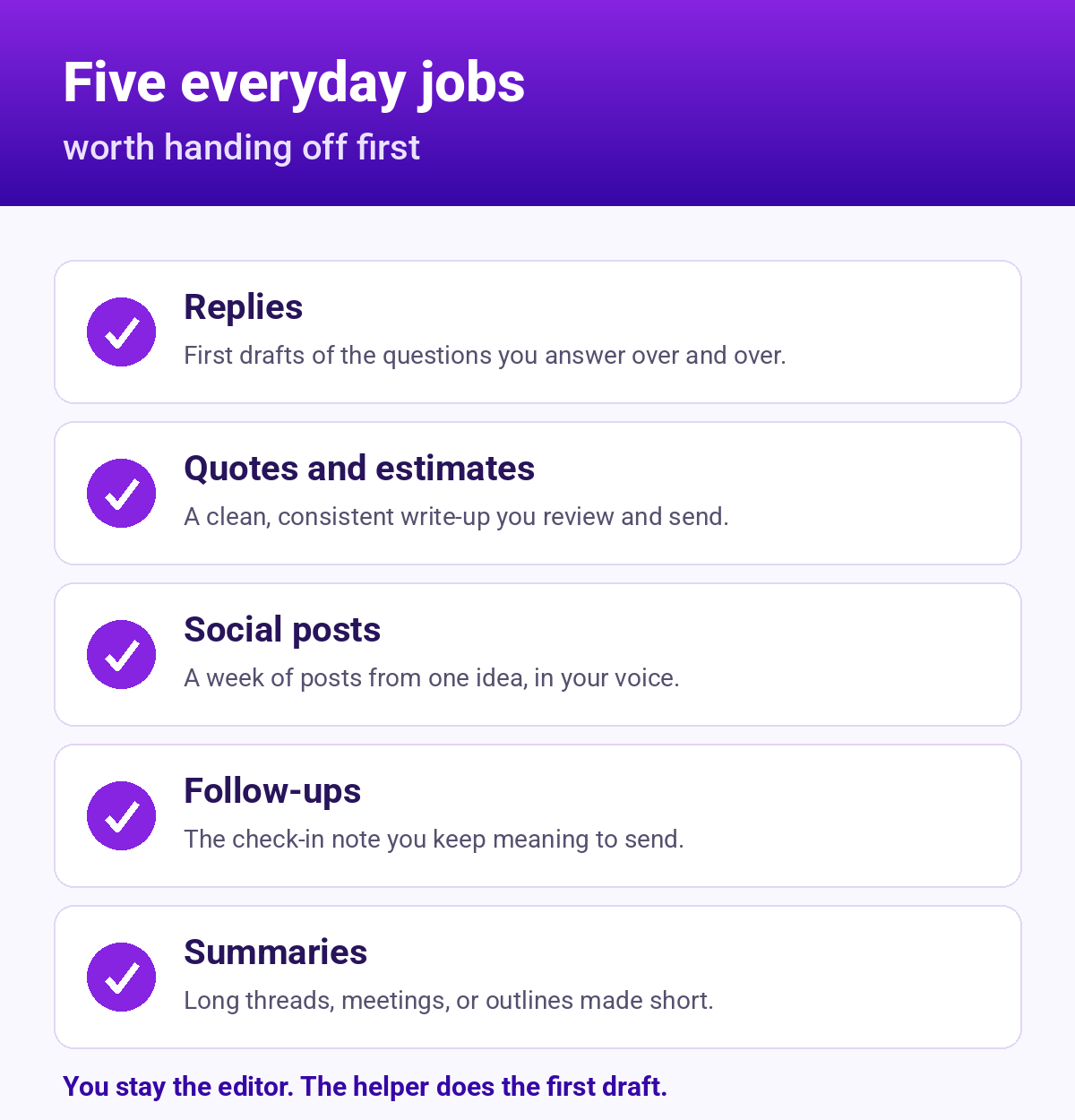
- Replies. First drafts of answers to the questions customers, readers, or church members ask over and over.
- Quotes and estimates. A clean, consistent write-up you review and send, instead of retyping the same paragraphs.
- Social posts. A week of posts drafted from one idea, in your voice, that you edit and approve.
- Follow-ups. The “just checking in” note after a meeting, an event, or a quote that you keep meaning to send.
- Summaries. Turning a long email thread, a meeting, or a sermon outline into a short version you can share.
Notice what’s not on the list: anything you’d hand off without reading. You stay the editor. The helper does the first draft.
A few guardrails I’d keep
- Read before you send. Treat every draft like it came from a new employee who is fast but still learning.
- Keep private things private. Don’t paste in anything you wouldn’t want stored outside your business, like customer financial details.
- Tell the truth. If it drafts a claim, a number, or a testimony you can’t stand behind, cut it. Your name is on it.
- One workspace, not a pile of apps. It’s easier to get good at one setup than to juggle five tools.
Where to start this week
Pick one job from the list above. Write down how you’d explain it to a new hire: who it’s for, what a good result looks like, and one example you’ve sent before. That short description is the beginning of a good prompt, and it’s most of what a setup is.
If you’d rather not figure it out alone, that’s exactly what our new Super Intelligence Setup and Support service is for. We set up the workspace around your business, teach you and your team how to use it, and check in each month so it keeps working. You keep running the business.
Next step: read about Super Intelligence Setup and Support and tell us a little about your business through the contact form on our website. We’ll reply with a simple next step.

Recent Comments